
2026 Spring Capstone Celebration
When: May 15, 2pm
Where: Petit Salon
Capstone Blogs: https://compsci.csuci.edu/resources/going-on/capstone.htm
Background
Capstone project-based courses are valuable ways for students to prepare for careers in their respective industries. Lainez et al. [1] state that capstone projects deliver important skills such as 1) a basic understanding of business processes, 2) a product development with high-quality concerns, 3) know-how to conceive, design, implement and operate medium-size complexity systems and 4) communicative, initiative/leadership teamwork, analytical and problem solving and personal abilities. Capstone projects, as identified in Clarke [2], help increase student confidence and allow students to explore areas of technology not covered in the academic curriculum.

Instructions for Submitting Your Capstone Posters
- Your faculty may use CI Keys Webpage (https://cikeys.com/) including pages for student biography / testimonial, project background and rationale, and poster uploaded as PDF. Check with your advisor about requirements.
- The poster should include an overview of the project, including its objectives, the methodology employed to undertake the project, the outcomes obtained, and conclusions.
- Poster templates will be 36”x 48” and can be found on the following website: http://www.csuci.edu/tli/ats/posters/.
- If displaying your project will entail more than one power outlet and/or more space than half of a six-foot table, discuss your needs with your Capstone advisor so that they can communicate with our technician in advance. Requests are not guaranteed, but the earlier they are made, the more chance we have to consider them.
- Submit your poster directly to your Capstone advisor no later than 7 days before the presentation date—this is a hard deadline! You are strongly recommended to meet with your advisor first to get their approval of your materials.
- Your Capstone advisor will submit your posters to be printed at no cost to you, by sending them to our Instructional Support Technician (IST), Max Seligman, 7 days before the presentations--this is a hard deadline!
- If you have questions about submitting your poster, ask your Capstone advisor first. If necessary, you may follow up with our IST at Maximilian.Seligman@csuci.edu.
- Consider inviting your close friends and/or family to attend the Capstone presentation day.
Instructions for Capstone Presentations (Logistics for the Day)
- Your submitted posters will be available at the presentation site at least 90 minutes
before the presentations begin. Please plan to pick up your materials and set up your
space at least one hour ahead of the presentation start time.
- For example, if the presentation begins at 2pm, your posters will be available starting at 12:30pm, and you should plan to be there no later than 1pm.
- Easels to support the posters and tables to support laptops and other demonstration materials will be provided.
- Students should arrive at least 60 minutes prior to the start of the event in order to setup posters and necessary equipment.
- Students should come prepared to discuss their work.
- Computer Science and Information Technology will generally provide light food and drinks for the event.
- If you have any questions, please discuss them with your capstone advisor.
Getting Started with Capstone Prep
- Prerequisites for Capstone Prep
- Verify you have or will have Senior Standing, and will have met the prerequisites, before the enrollment period for the semester you plan to take Capstone Prep, typically one semester prior to your intended graduation. We recommend talking with your faculty advisor with any questions related to your ability to enroll.
- Finding a project topic
- While it is not required to identify a topic prior to enrolling in Capstone Prep, it is beneficial to have a general area of computing that interests you. This will help you better identify a capstone advisor. You may wish to look at the Capstone Project Blogs completed by prior students to gain some ideas and insights about these kinds of projects.
- Finding a capstone adviser
- Choosing a capstone advisor can be challenging, and faculty are limited to enrolling
a small number of students. This means you want to be strategic in your decision.
- First, find an adviser with some background in the general area of your project or area of interest (see no. 2 above). Faculty expertise can be found in the faculty biographies page.
- Second, reach out to the instructor prior to registration, either through email or their office hours. Emails can be found on the faculty webpage faculty webpage. When communicating, include the rationale for enrolling in that instructor's section. If a section is full, consider another instructor. If you are still having trouble, reach out to the program adviser on how to best proceed. Sections are opened / expanded based on need.
- For the current list of faculty, please check the Schedule of Classes for the current semester offerings.
- Choosing a capstone advisor can be challenging, and faculty are limited to enrolling
a small number of students. This means you want to be strategic in your decision.
2015-16 First-Ever Capstone Celebration
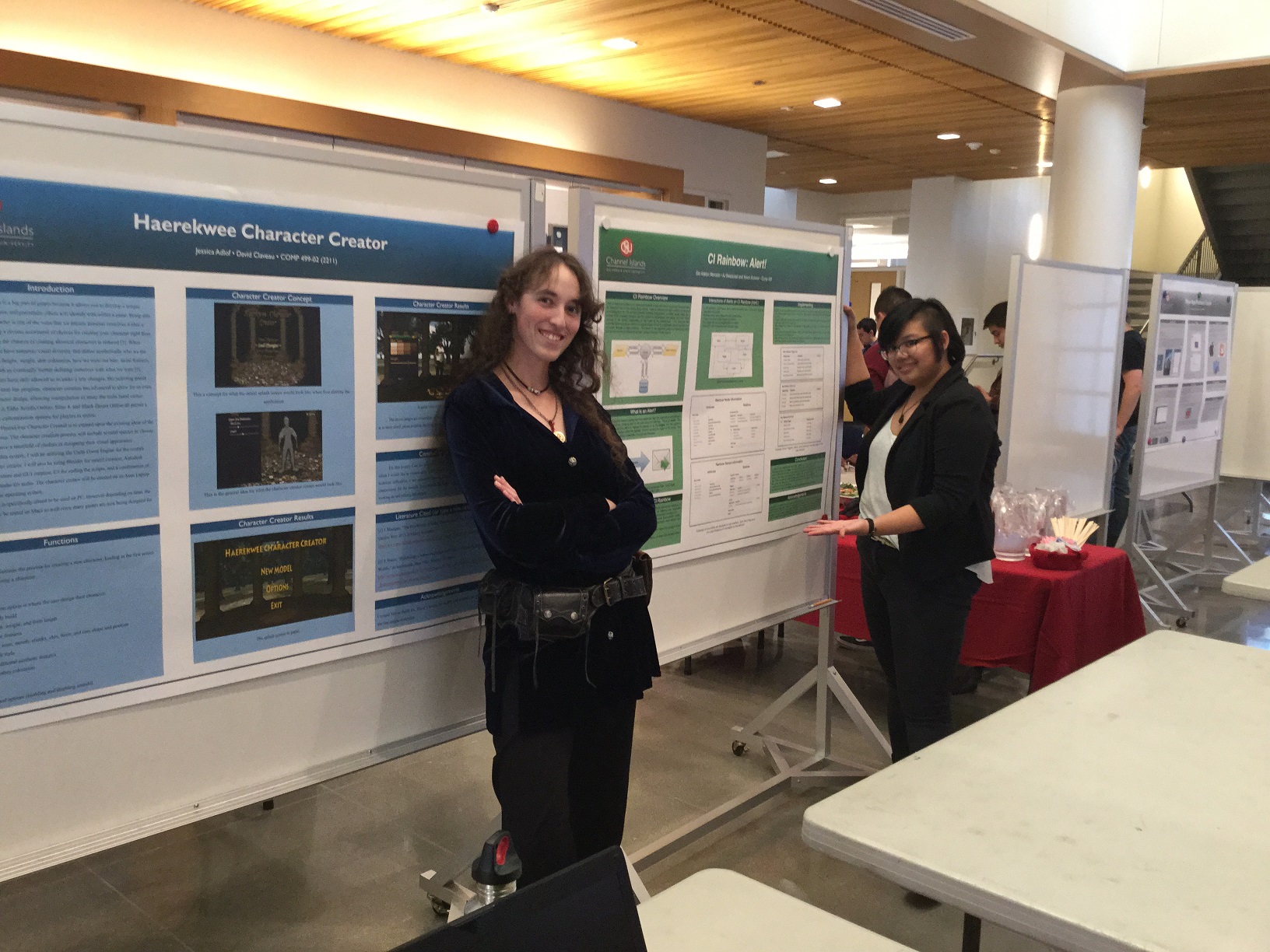
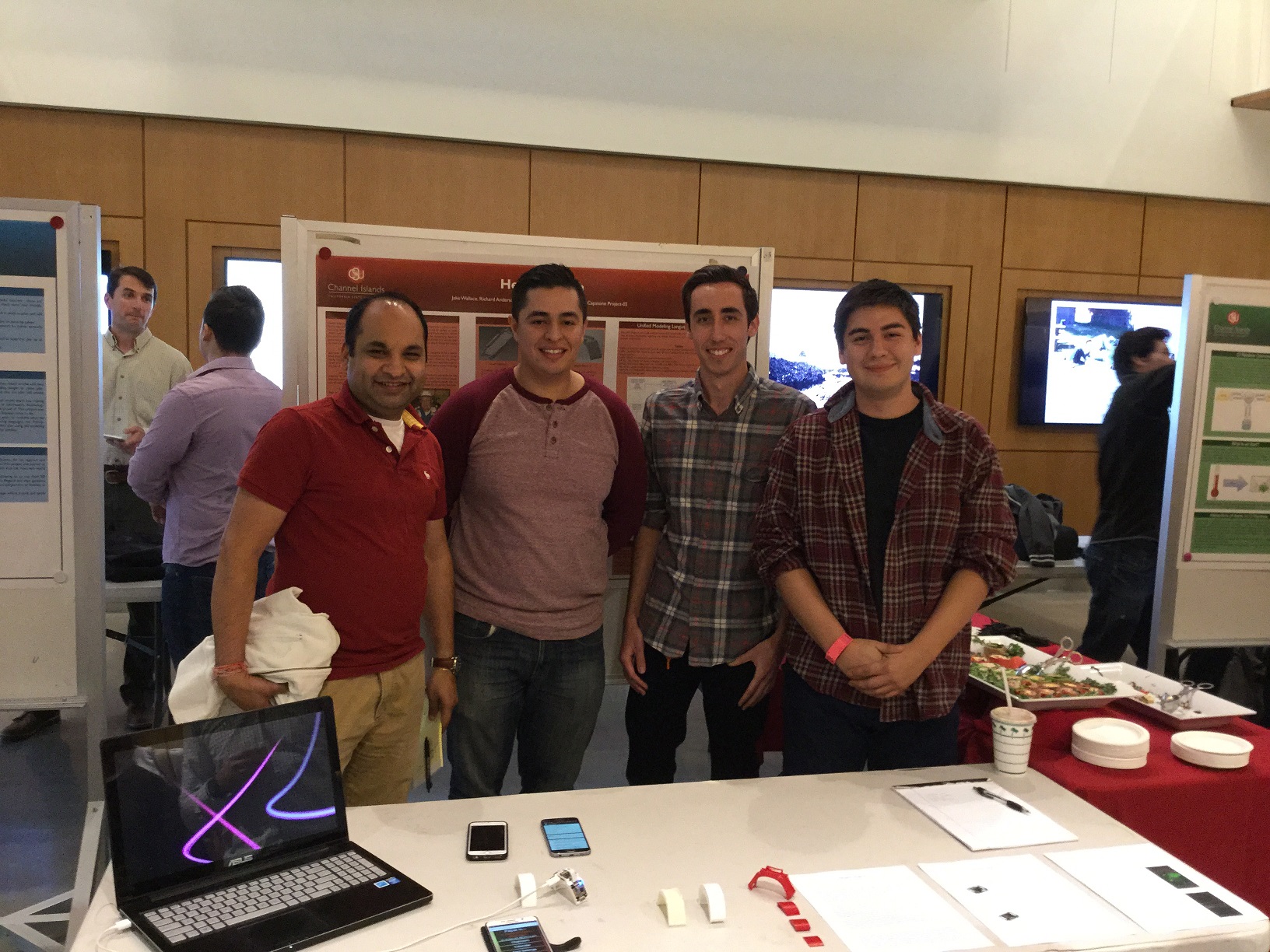
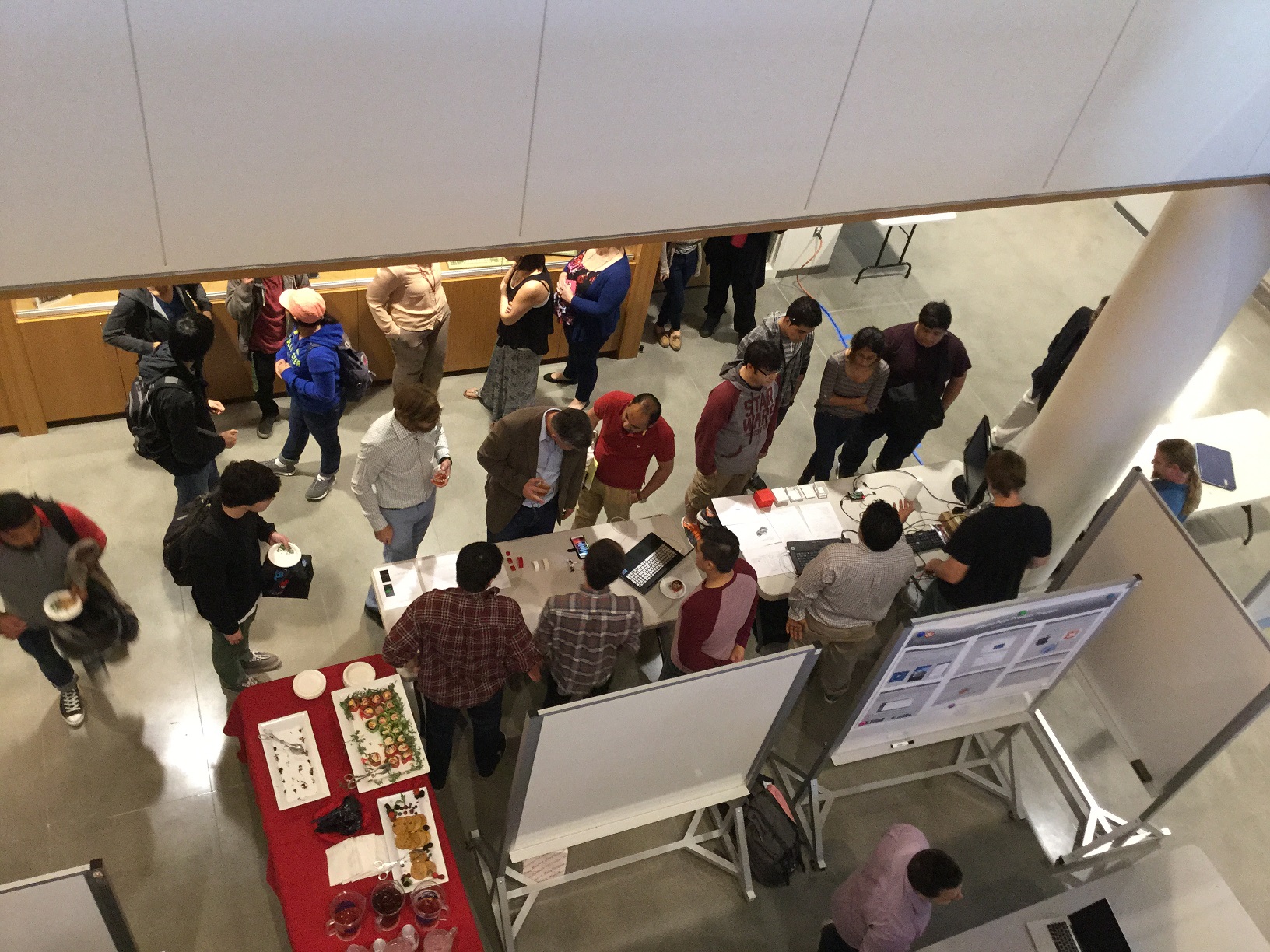
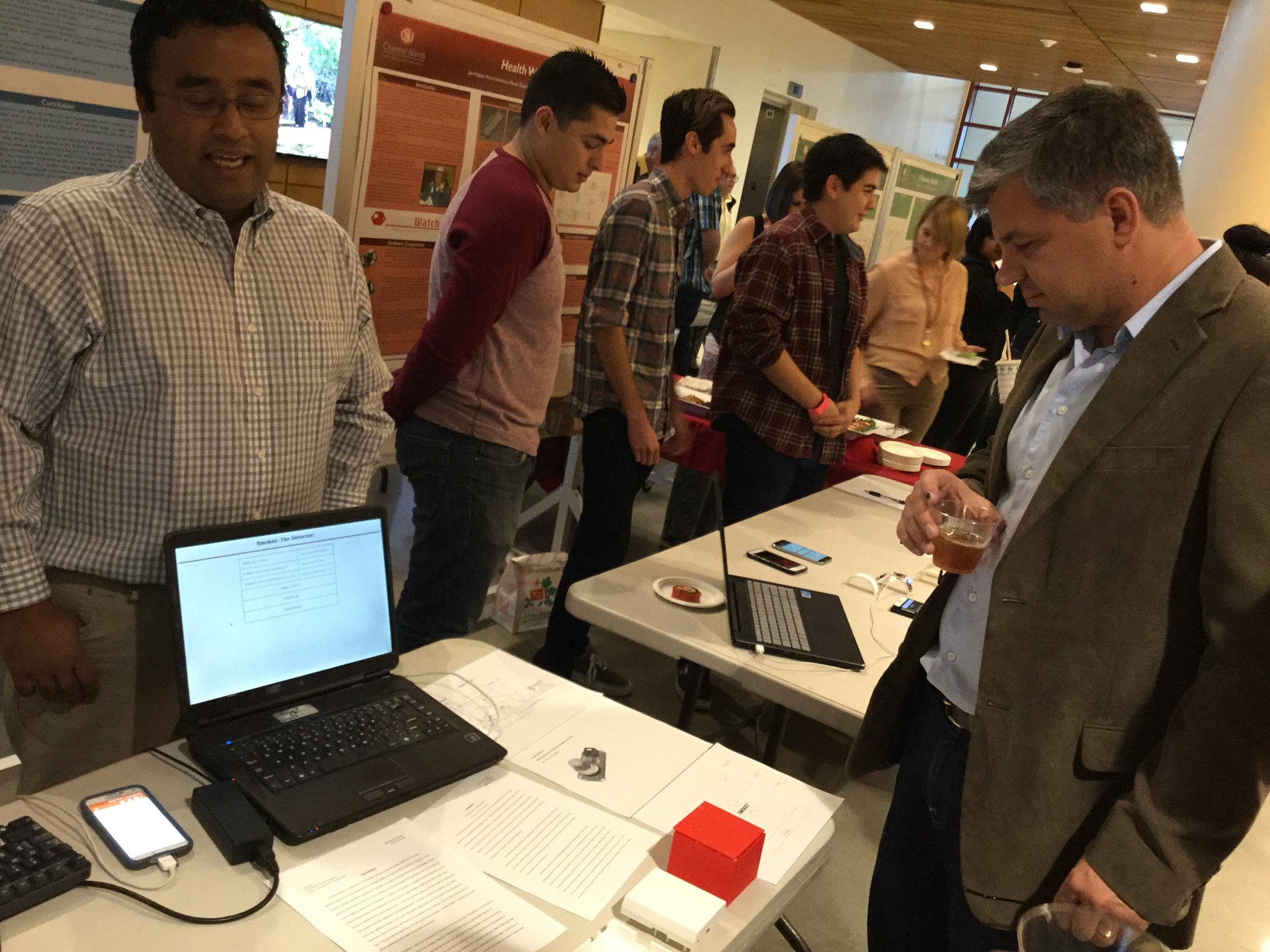
Below are just a few of the memories from the 2015 and 2016 capstone celebrations!
Spring 2017 Capstone: https://goo.gl/photos/S2mRXHu3mtcTnyif8
Fall 2016 Capstone: https://goo.gl/photos/aeoHmMfxGkkLpyZQ8
Spring 2016 Capstone: https://goo.gl/photos/CHKTatnS1kCCoZrf6
Fall 2015 Capstone: https://goo.gl/photos/teVjRd243fPFs3vv6
References
- Lainez, M., Deville, Y., Dessy, A., Dejemeppe, C., Mairy, J., & Van Cauwelaert, S. (2014). “A Project-Based Introduction to Agile Software Development.” In L. Alves, P. Ribeiro, & R. Machado, Project-Based Learning: An Environment to Prepare IT Students for an Industry Career, pp. 230-249, IGI Global.
- Clarke, N. (2005). “Evaluating student teams developing unique industry projects.” Proceedings of the 7th Australian Conference on Computing Education, pp. 21-30, Newcastle, Australia.